
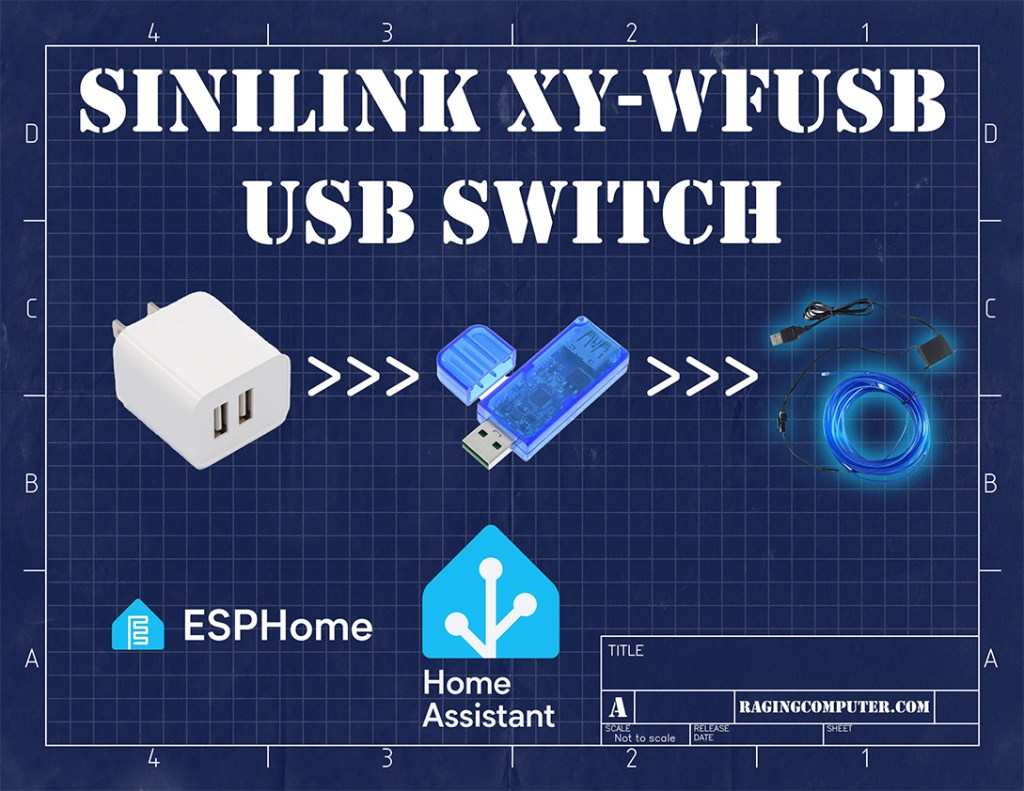
There are some cool USB powered devices that are a lot of fun for a kid’s room… But it’s not always great to leave them on all the time. This WiFi USB Switch is a low-cost way to integrate such devices into Home Assistant. This is an extension of the Kids Room Light Remote Control project.
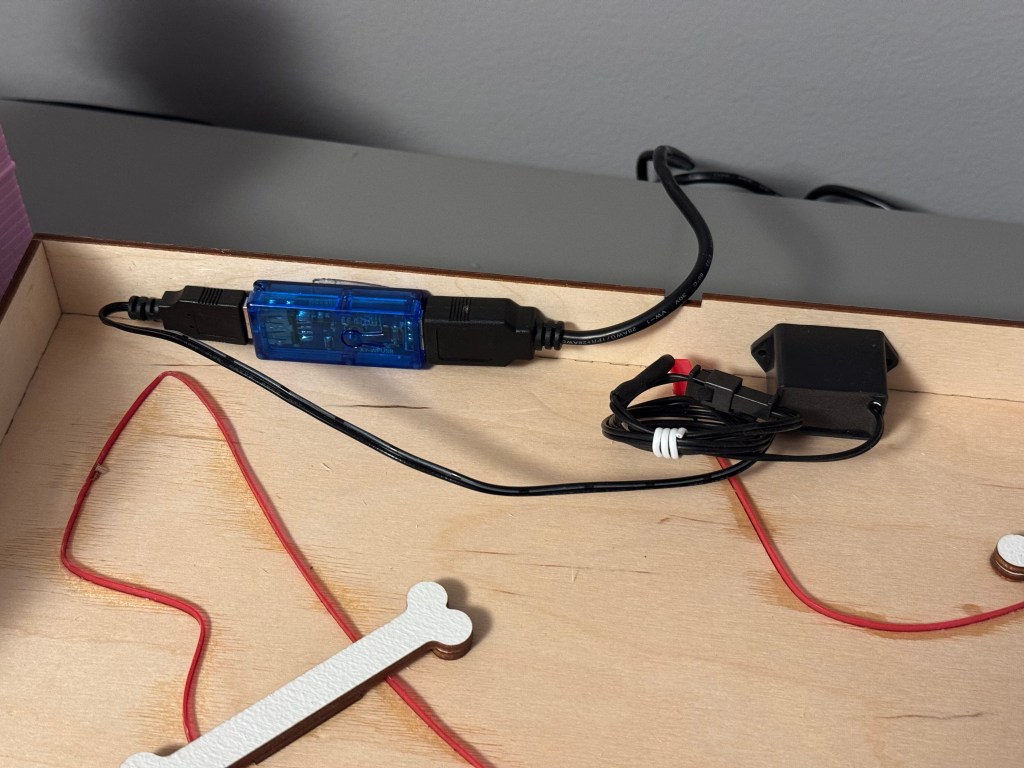
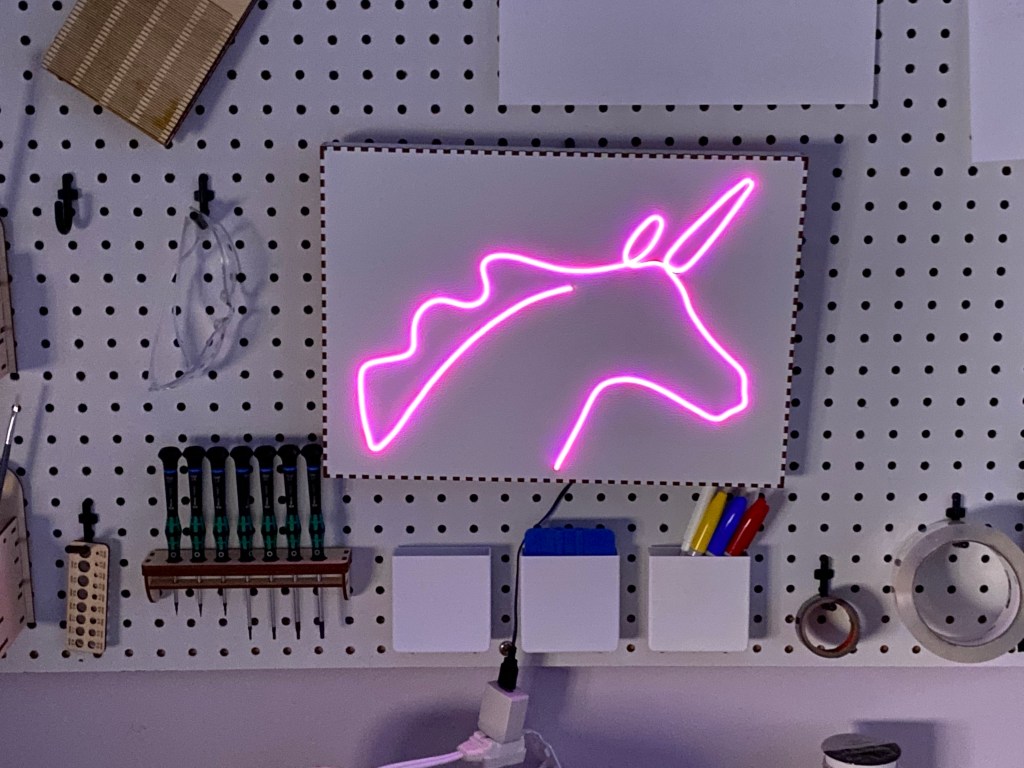
The transformer for Single Line Art Electroluminescent Light that I made for my daughter’s room has a USB connection. EL-Wire degrades as it runs so leaving it on all the time limits the lifespan. The Sinilink XY-WFUSB sits between the USB power supply and the EL-Wire transformer.
References:
Wiring:
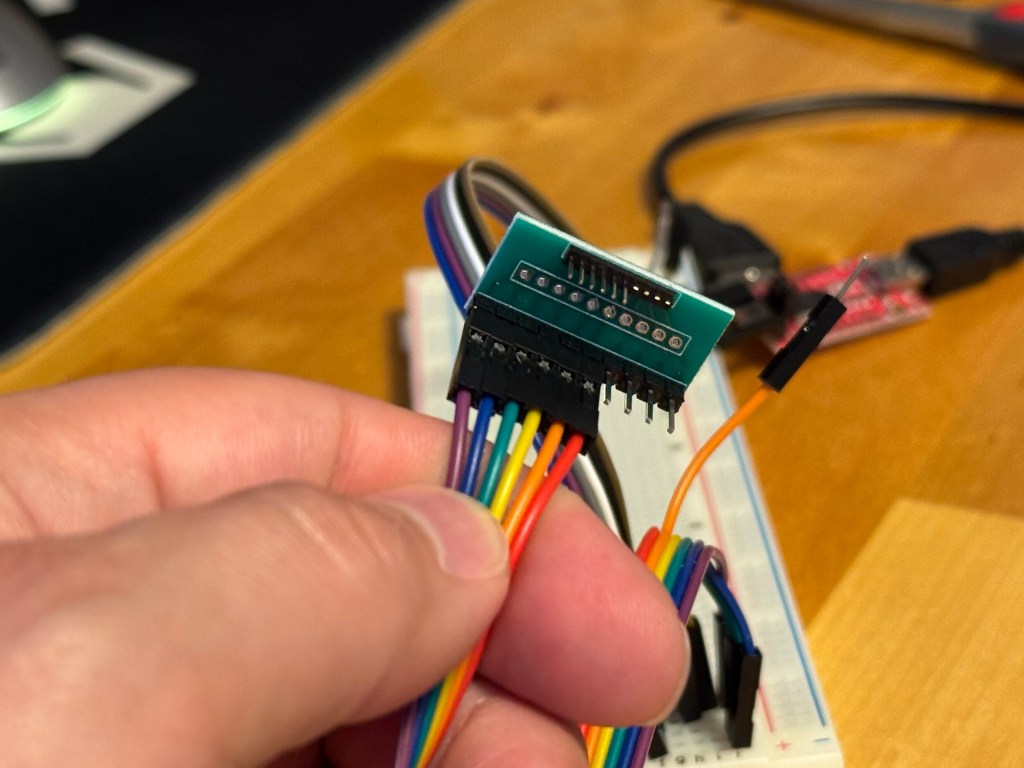
Flashing is pretty straight forward. The serial pads have a 1.27mm pitch, so using a 1.27mm to 2.54mm Pitch Adapter Board – 10pin Single row from Aliexpress with 4 of the pins cut makes connecting a lot easier.
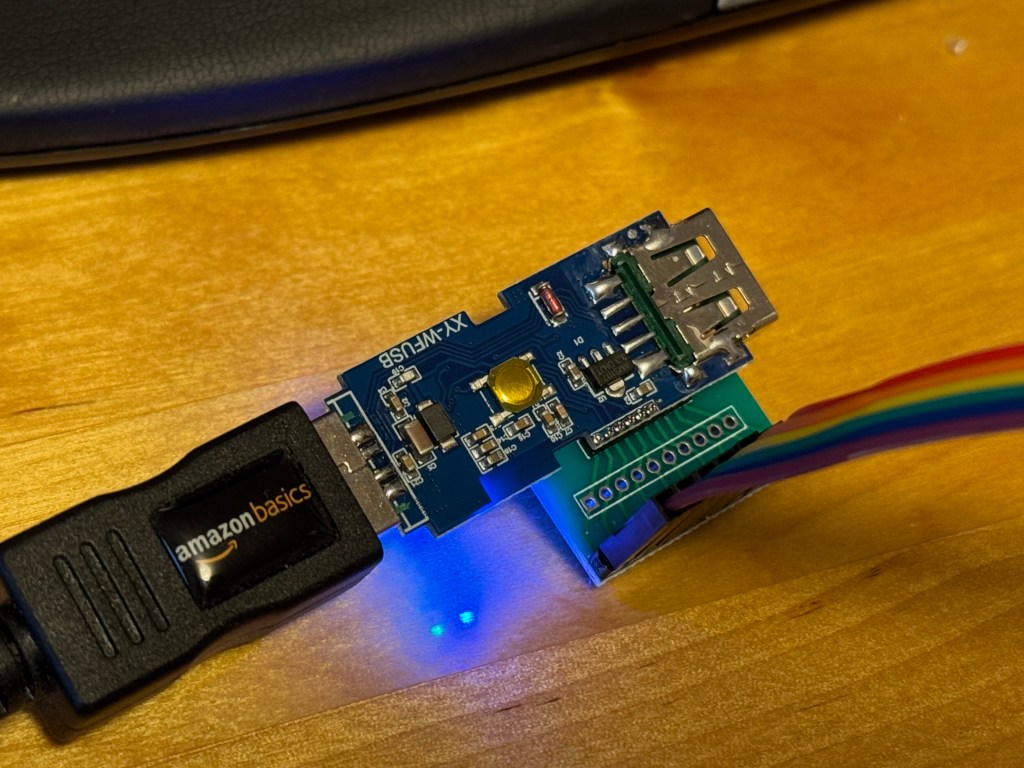
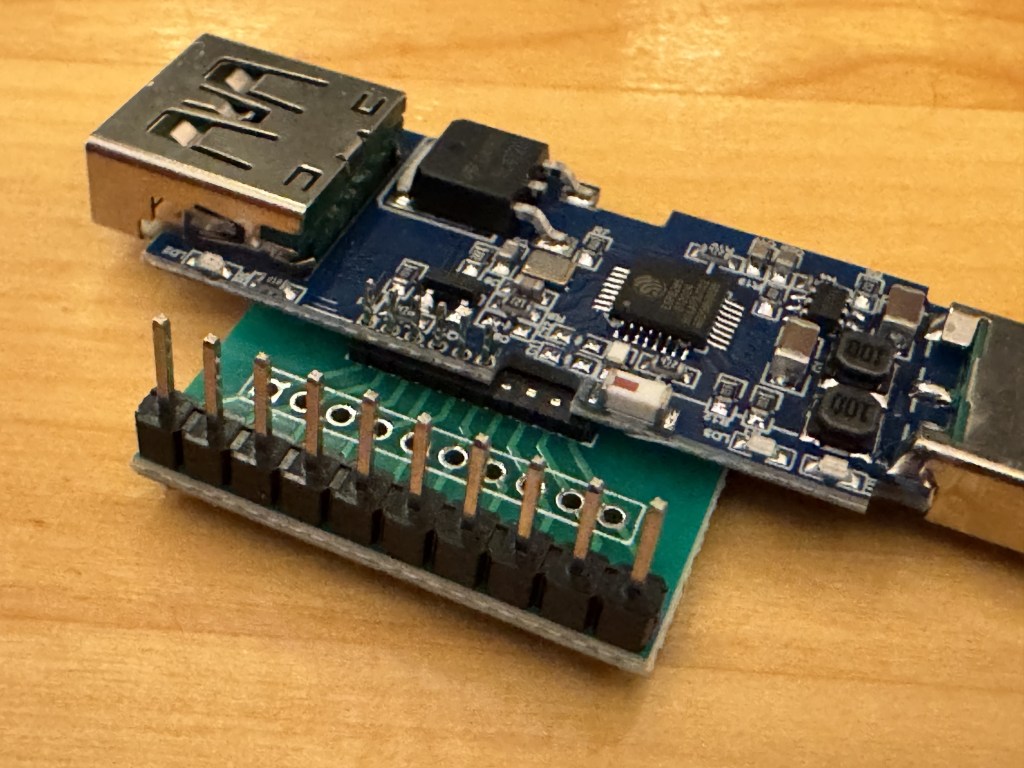
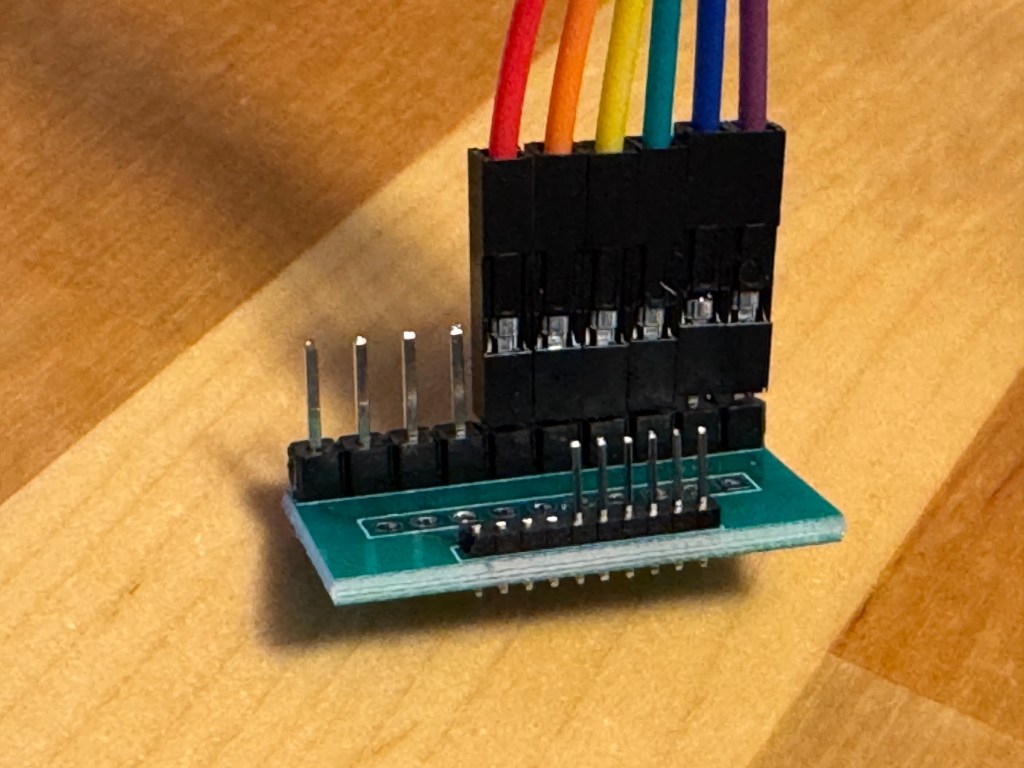
ESPHome Configuration:
The ESPHome code on ESPHome Devices or the linked Home Assistant Community post is more complex than I needed. I’m trying to make the configuration as simple as possible, so here’s my stripped down configuration.
esphome:
  name: sinilink-switch
  friendly_name: sinilink-switch

esp8266:
  board: esp01_1m
  framework:
    version: recommended

# Enable logging
logger:

# Enable Home Assistant API
api:
  encryption:
    key: !secret encryption_key

ota:
  - platform: esphome
    password: !secret ota_password

wifi:
  ssid: !secret wifi_ssid
  password: !secret wifi_password

  # Enable fallback hotspot (captive portal) in case wifi connection fails
  ap:
    ssid: "sinilink-switch"
    password: !secret fallback_password

web_server:
  port: 80

status_led:
  pin:
    number: 16 # Blue LED

switch:
  - platform: gpio
    pin: 14
    id: green_led
    inverted: false
    internal: true

  - platform: gpio
    id: port_power
    name: "Port Power"
    pin: 5
    on_turn_on:
      - lambda: |-
              id(green_led).turn_on();
    on_turn_off:
      - lambda: |-
              id(green_led).turn_off();

binary_sensor:
  # Button
  - platform: gpio
    id: btn
    internal: true
    pin:
      number: 4
      inverted: true
      mode:
        input: true
        pullup: true
    on_press:
      - switch.toggle: port_power

button:
  - platform: restart
    name: "Restart"
    entity_category: diagnostic
 Raging Computer